PCBA Customer Receiving and Unpacking Guidelines
Last updated on Oct 27, 2026
Note
Application Scenario: Warehouse receiving, unpacking, environmental protection, and verification of shipping documents after the customer receives PCBA shipments.
After completing the unpacking process and confirming that there is no visible damage, please refer to the [PCBA Customer Receiving Basic Inspection Guide] for visual inspection of component polarity and solder joints.
Purpose
To standardize the unpacking and initial acceptance process for PCBA (Printed Circuit Board Assembly) shipments, prevent potential damage to assemblies caused by improper handling during transportation and unpacking, such as ESD protection failure, physical scratches, or compromised moisture protection, and clarify the respective quality responsibilities during the transportation and unpacking stages.
Scope
This guide applies to the unpacking, acceptance, and incoming inspection of all PCBA prototypes, small-batch production orders, and mass-production shipments delivered to customers.
Preparation Before Unpacking
Important: ESD Protection and Environmental Requirements
PCBA assemblies contain numerous electrostatic-sensitive devices (ESD-sensitive devices), such as MCUs, BGAs, MOSFETs, and RF modules. Static electricity accumulated on the human body can easily damage the internal junctions of these devices, potentially resulting in latent damage.
How Does ESD Affect a PCB?
ESD stands for electrostatic discharge. Many materials can conduct electricity and accumulate electrical charges. ESD can occur due to triboelectric charging, which results from friction between materials, or through electrostatic induction. In either case, an object can accumulate a static charge on its surface.
When this object comes sufficiently close to another charged object or material, the voltage difference between them can cause current to flow until the charge imbalance is equalized.
Static electricity is common in everyday environments, but the voltage of a static charge can reach several thousand volts and may pose a significant risk to electronic components.
When the voltage difference is sufficiently high, a conductive discharge path can form, resulting in a large current pulse. As the current pulse develops, significant heat can be dissipated through the components and conductors on the PCB. Under extreme electric field conditions and the resulting current, the PCB may be damaged and components may be destroyed.
Before opening the package, make sure that the following environmental and protective measures are in place:
1. Work Environment Requirements
- Unpack the PCBA in an ESD-protected area (EPA).
- The work surface should be covered with a properly grounded ESD mat.
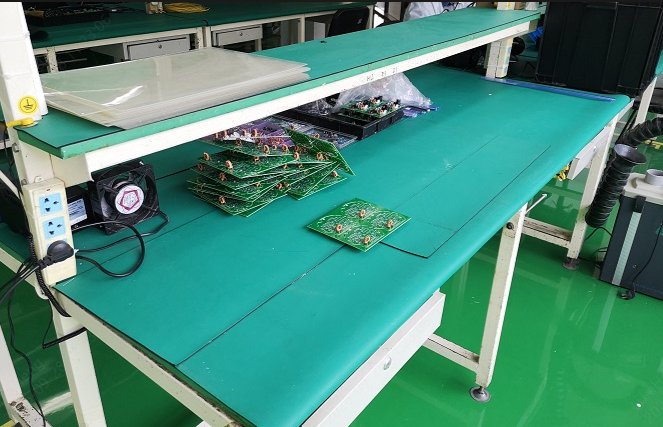
ESD safe workbench with anti-static table mat
2. Personnel Protection Requirements
- Operators must wear a grounded ESD wrist strap or ESD gloves/finger cots.
- Do not touch large areas of the PCBA, gold fingers, or component leads directly with bare hands without ESD gloves.
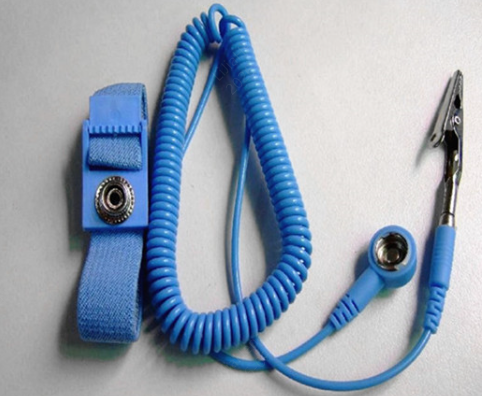
ESD wrist strap
3. Unpacking Tool Preparation
- It is recommended to use an ESD-safe utility knife or dedicated round-tip scissors.
- Do not use long, sharp blades to cut deeply into the shipping carton, as this may damage the internal ESD packaging or the PCBA.
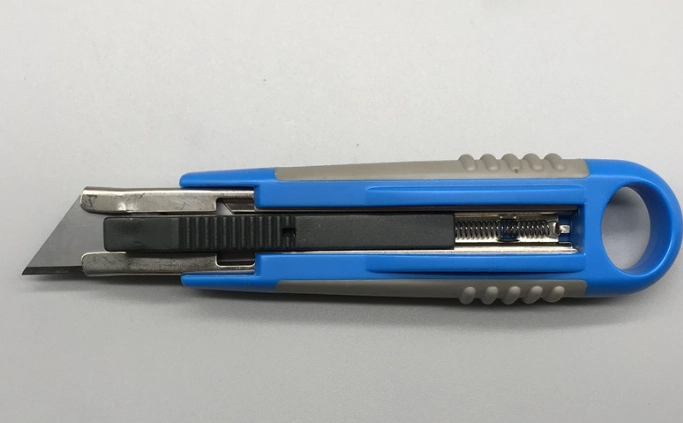
Utility knife
Outer Packaging and Shipping Condition Inspection
Visual Inspection Before Opening the Package
Before cutting the carton sealing tape, visually inspect the outer packaging. If any of the following abnormalities are found, take photos for documentation before opening the package:
Outer Carton Inspection:
- Check the outer carton for obvious compression or deformation, holes, damaged corners, tears, or signs of water damage.
- Check whether the carton sealing tape shows any signs of re-sealing or damage.
Standard Unpacking and Packaging Removal Procedure
Follow the principle of “cut flat, handle gently, and inspect layer by layer” when unpacking the shipment.
Step 1: Open the Outer Carton
Use an ESD-safe utility knife to cut along the carton seams and sealing tape. Do not insert the blade deeply into the carton to avoid cutting the internal packaging.
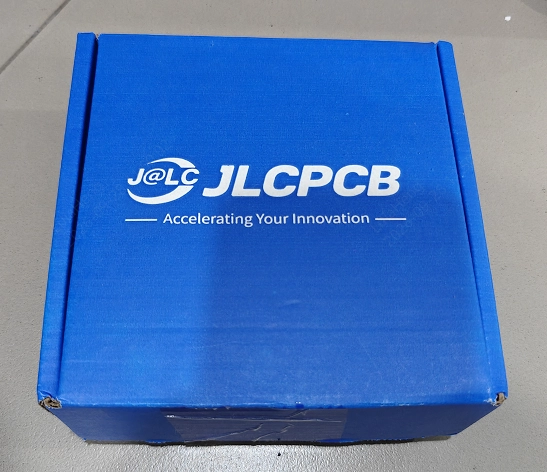
JLCPCB Carton
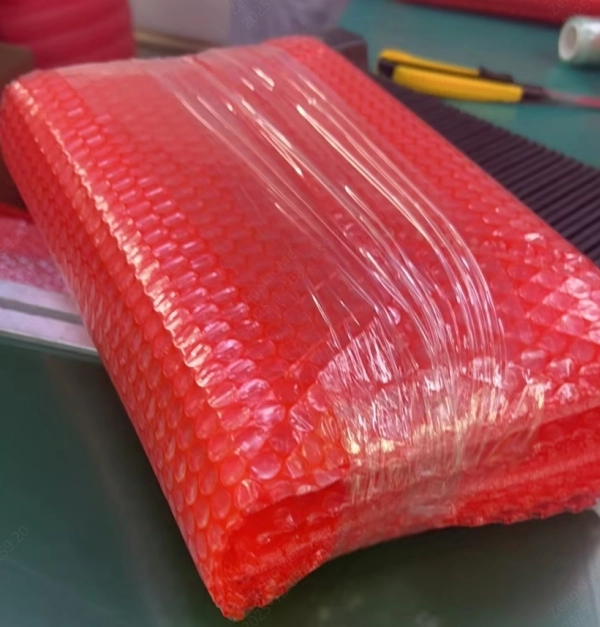
Securely packaged PCBA
Step 2: Remove the Cushioning Material and Check the Moisture Protection
1. Remove the cushioning materials, such as bubble wrap and foam, from the top layer.
2. Check whether the packaging is intact and whether it has been punctured or torn.
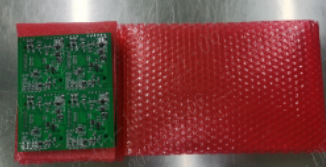
PCBA wrapped in anti-static bubble cushioning
Step 3: Inspect the ESD Packaging
If ESD Packaging Is Used
For PCBA assemblies with stringent ESD protection requirements, such as those containing BGA or QFN components, we recommend that customers use an ESD shielding bag. Before opening the ESD shielding bag, check the following:
Check whether the ESD shielding bag is damaged. If the packaging is damaged or the seal is abnormal, take photos for documentation and contact after-sales support to confirm whether further action is required.
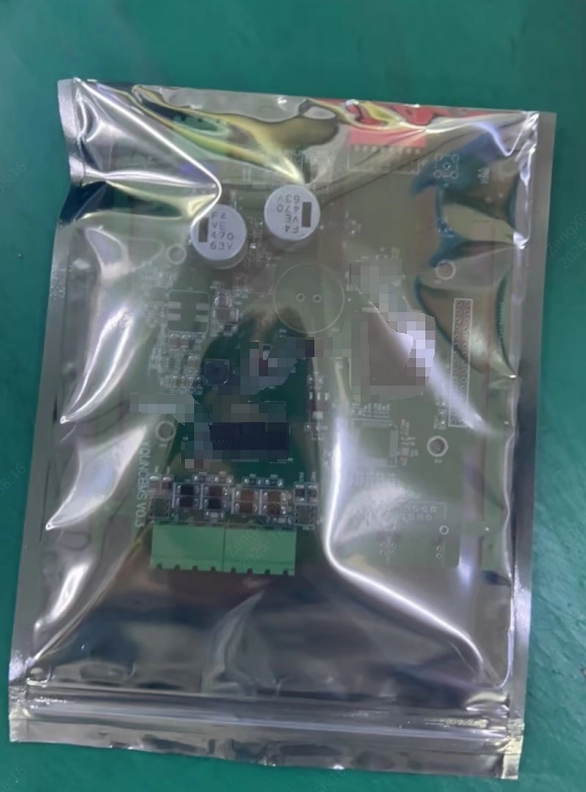
ESD Packaging
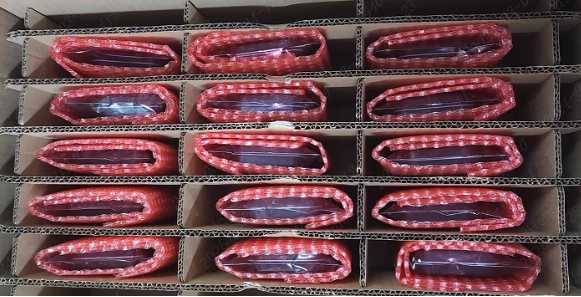
Cardboard divider box with anti-static packaged PCBAs
Step 4: Remove the PCBA
- When handling the PCBA, hold it by the PCB edges in areas free of components. Do not grip the ICs, large inductors, or easily deformed through-hole components (connectors) in the center of the board.
- Place the PCBA gently on an ESD mat or in an ESD-safe storage container. Do not stack multiple PCBAs directly on top of one another without protection, as this may cause SMD components to be knocked off or scratch the solder mask on the board surface.
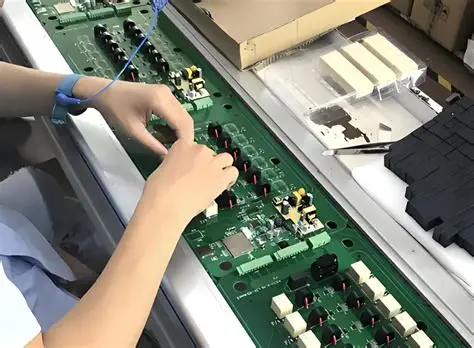
Safe ESD handling and placement of PCBA
Handling of Unpacking Abnormalities
To help our after-sales engineers quickly identify and assess the issue, please provide the following information when reporting an abnormality:
1. Your order number;
2. The quantity affected and the total quantity received (for example: 100 boards received in total, with 2 boards damaged due to compression of the outer carton);
3. Clear photos/videos, including:
- Photos of the shipping label on the outer carton and any damaged areas;
- Photos showing the condition of the packaging after unpacking;
- An overall photo of the affected PCBA and close-up photos of the defective areas.