PCBA First Power-On: Checks and Troubleshooting
Last updated on Oct 26, 2026
Purpose
This guide helps customers complete the necessary basic checks before powering on a PCBA for the first time, reducing the risk of damage caused by incorrect power connections, abnormal component orientation, obvious short circuits, or other visible abnormalities. It establishes a basic, standardized procedure for initial power-on inspection.
Through pre-power-on checks, current-limited power-on, power supply status monitoring, and basic functional verification, potential abnormalities during the initial power-on process can be identified promptly. The test results also provide basic information for subsequent issue reporting and fault analysis.
Scope
This guide applies to the initial power-on testing of PCBAs after customers have received the assemblies and completed unpacking and basic visual inspection.
It covers basic power-on checks for prototype, small-batch, and mass-production PCBAs and can be used as a reference for customers performing initial power-on testing.
This guide focuses on basic electrical inspection and functional verification. It does not replace the product's own test specifications, design verification plans, or professional fault analysis procedures. If an issue cannot be confirmed using this guide, it is recommended to stop further power-on testing and contact technical support for analysis.
Note
Application Scenario: Initial power-on testing after the PCBA passes visual inspection, power rail short-circuit checks, and static/dynamic verification of basic functions and communication buses (I2C/SPI/UART).
Core Principles and Preparation
Required Test Tools and Equipment
1. Adjustable DC regulated power supply: Must support an adjustable current limit (CC mode / current limiting protection).
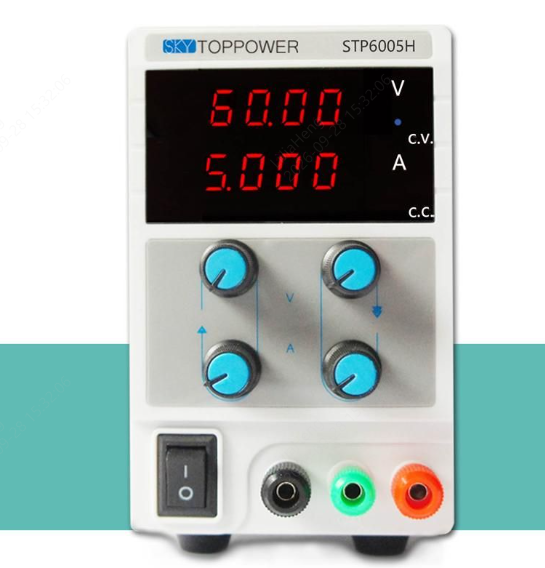
Adjustable DC regulated power supply
2. Digital multimeter: Must have continuity buzzer, resistance (ohms), and DC voltage measurement modes.
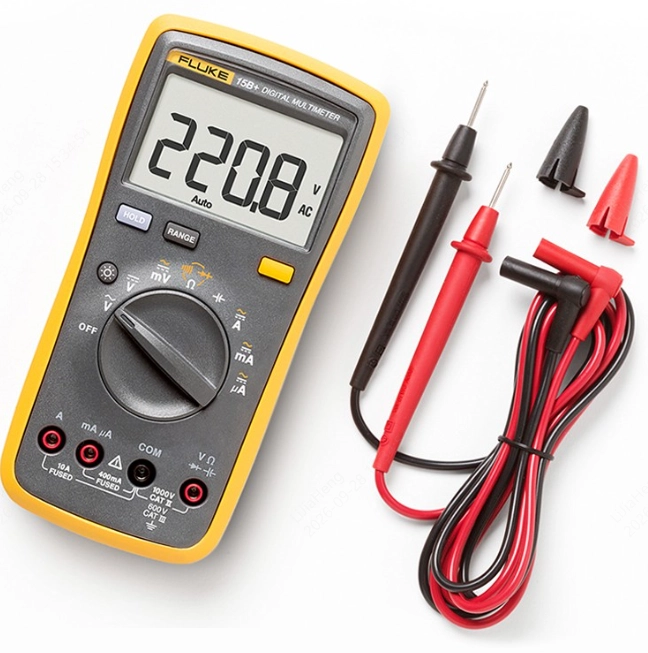
Digital multimeter
3. ESD protection: An ESD mat and ESD wrist strap.
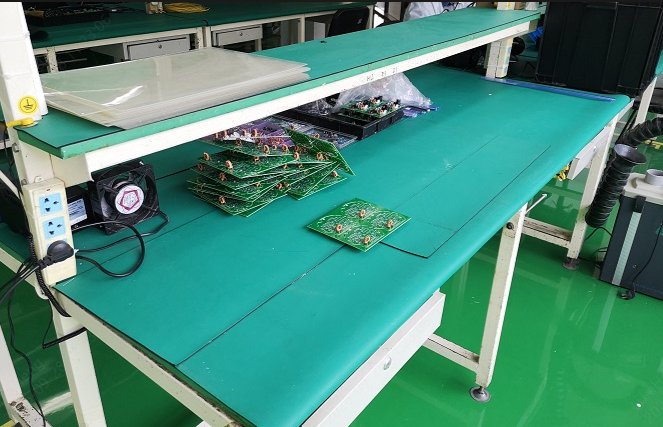
ESD safe workbench with anti-static table mat
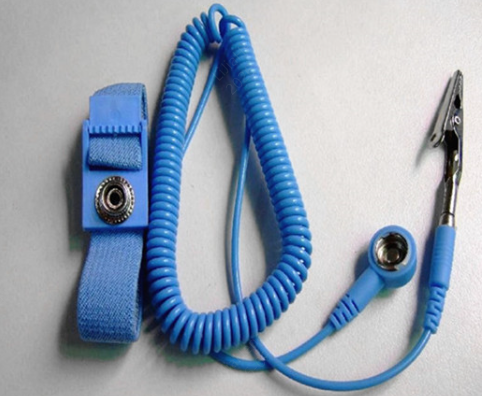
ESD wrist strap
4. Auxiliary tools: ESD-safe tweezers and a thermal imaging camera (optional, for quickly locating heat sources).
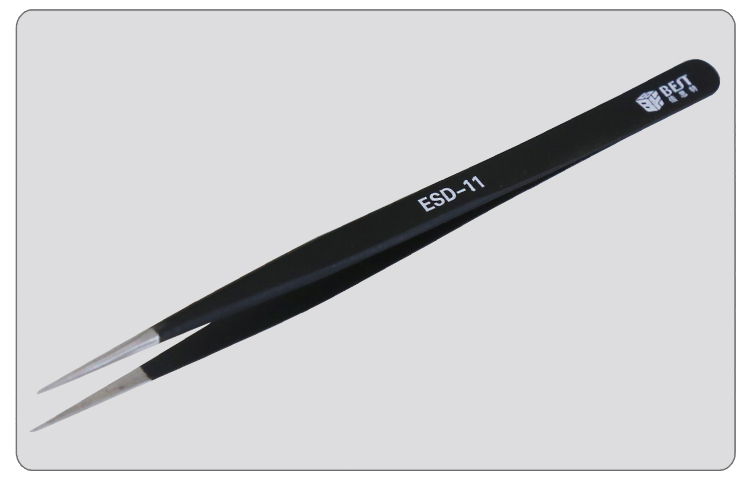
ESD-safe tweezers
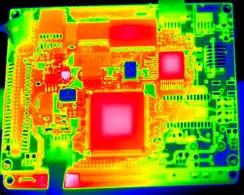
Thermal imaging camera
Documentation Preparation
- Schematic: Identify the main power input (VIN), DC-DC/LDO output rails (e.g., 5 V, 3.3 V, 1.8 V, and 1.2 V), and the VCC and GND pins of each IC.
- IC datasheets: Confirm the power supply pins of the main controller (e.g., ESP32 or STM32) or other key ICs.
Power-On Inspection
After completing the PCBA visual inspection and confirming that no obvious abnormalities are present, it is recommended to perform the initial power-on test in the following sequence:
Pre-power-on checks → Current-limited power-on → Power rail verification → Functional verification
Preliminary Short-Circuit Checks
Before connecting the power supply for the first time, it is recommended to measure the resistance to ground at the main power input and key power rails to identify obvious short circuits or abnormally low-resistance conditions.
Step 1: Establish the Multimeter Reference — Confirm the Board Ground
Set the multimeter to resistance mode (2 kΩ range or auto-ranging) or continuity mode. Connect the black probe securely to the PCBA's system GND, such as an exposed copper area around a mounting hole, a shielding can, or a GND test point, as shown below.
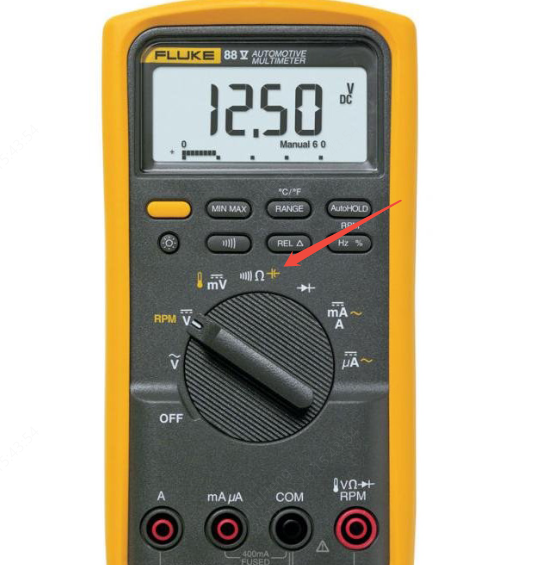
Multimeter set to continuity buzzer mode
Step 2: Measure the Main Power Input (VIN to GND) — Check the Main Power Input Resistance
Use the red probe to measure the resistance to ground at the VCC pin of the main power connector, such as a DC jack, terminal block, or USB VBUS.
- Normal condition: Interpret the measurement in the context of the product's power architecture and, where available, compare it with measurements from a known-good PCBA. Some circuits may initially show a low resistance that gradually increases as the capacitors charge.
- Abnormal condition — DO NOT POWER ON: If the resistance between VIN and GND remains close to 0 Ω and is significantly different from the measurement of a known-good board, stop and investigate further before applying power.
Step 3: Measure Each DC-DC/LDO Output Rail — Check Secondary Power Rails
Based on the schematic, measure the resistance to ground of each secondary power rail on the board.
For each power rail, identify the corresponding loads from the schematic and, where possible, prioritize comparison with measurements from a known-good PCBA. Resistance to ground can vary considerably between power rails due to differences in their loads and internal IC structures. Therefore, do not determine whether a rail is abnormal based solely on a single fixed resistance value.
Step 4: Measure Power Pins of Key ICs and Modules — Verify Core IC Power Connections
For leadless packages (BGA/QFN) or key modules, such as ESP32 and STM32 series devices:
- Measure the resistance to ground from the IC's VCC pin or the positive terminal of a nearby decoupling capacitor.
- As an additional check, sample some GPIO and signal pins to ground to help identify potential internal pin damage.
Recommended checks for commonly used ICs:
ESP32 series: Use a multimeter to measure the resistance between the 3V3 power pin and GND as a preliminary check for obvious short circuits or abnormalities in the power network. Subsequent measurements between other I/O signal pins and GND can help identify obvious short circuits or abnormalities in the I/O networks.
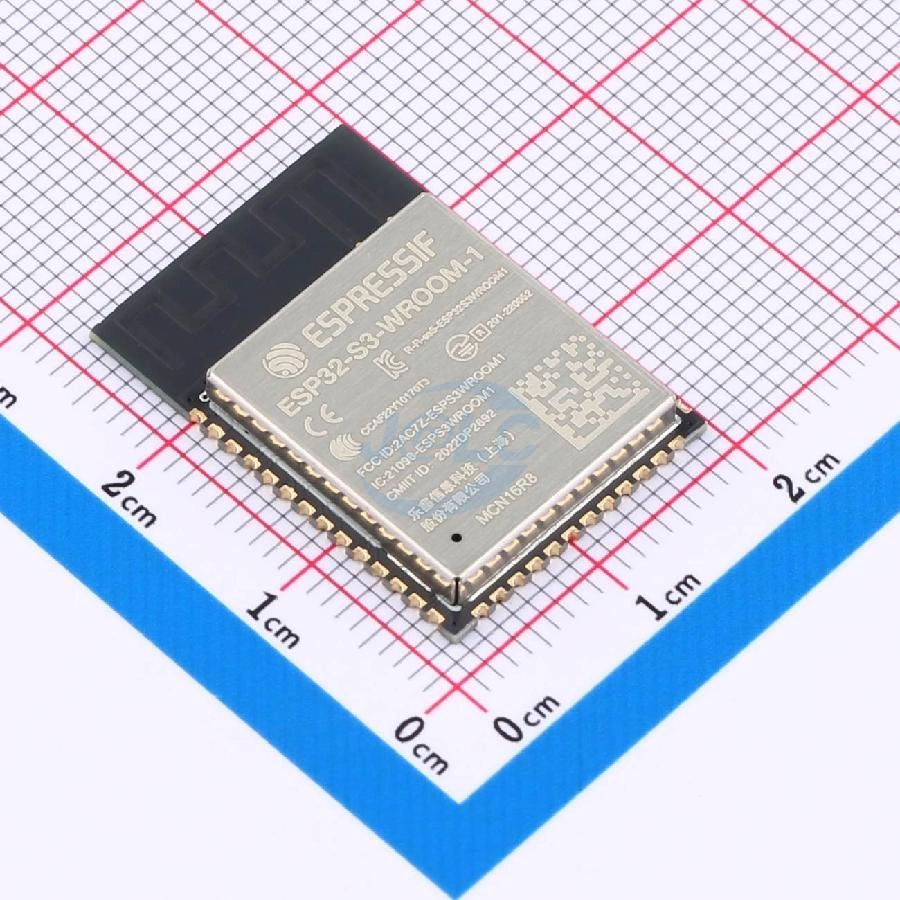
ESP32 Chip
ICs: Measure the resistance between the IC's power supply pins and GND to check for obvious short circuits in the IC power network. For leadless packages, use the resistance to ground measured at the decoupling capacitor near the VCC pin to assess the resistance between VCC and GND.
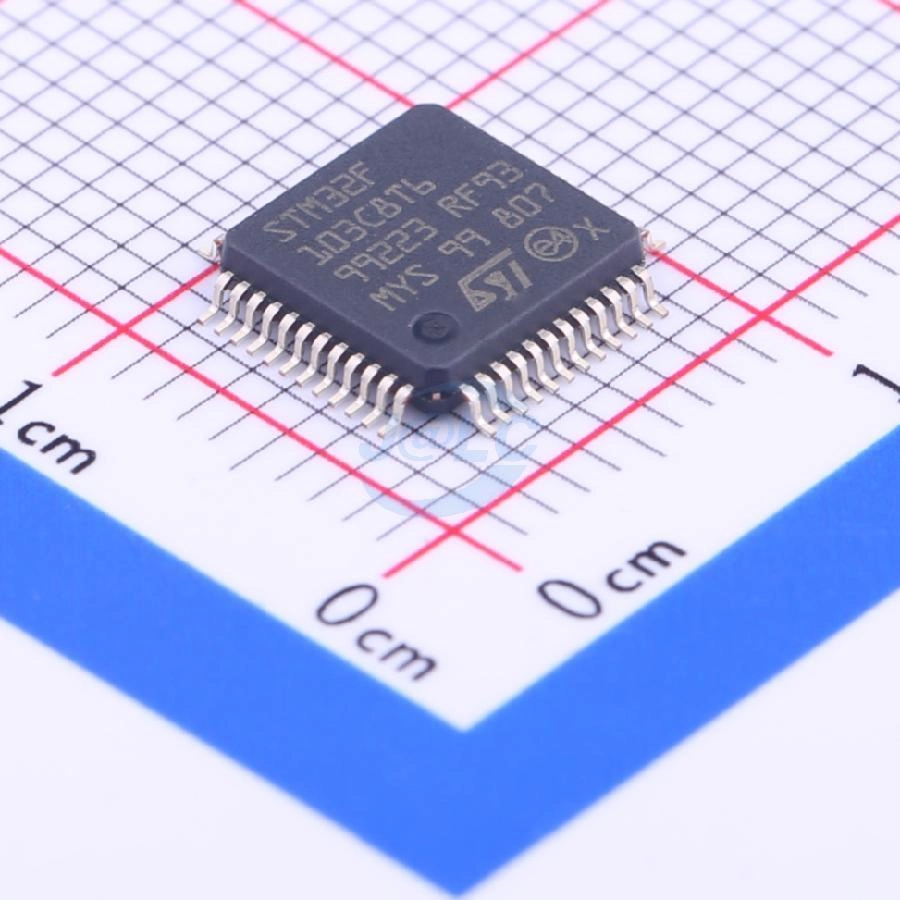
QFP package IC
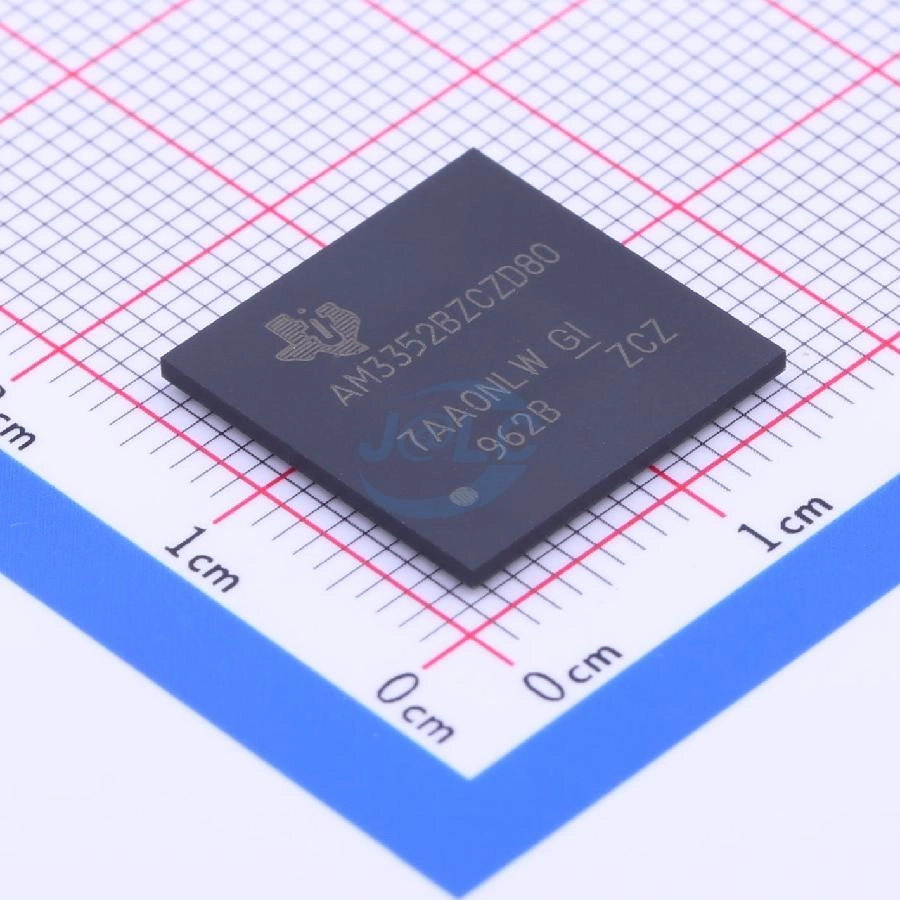
Leadless surface-mount IC package
Safe Power-On and Step-by-Step Dynamic Voltage Verification
Proceed with initial power-on only after the static resistance checks indicate no short circuits.
Set Up Current-Limited Power-On
- Turn off the regulated power supply output and set its output voltage to the PCBA's rated input voltage, such as 12 V or 5 V.
- Set the current limit to a suitably low, safe value. During initial power-on, determine an appropriate current limit based on the PCBA's rated operating current and expected startup current. If the normal operating current is unknown, start with a lower current limit and adjust it gradually according to the power supply's current readings.
- Connect the positive and negative power terminals correctly. Confirm that the supply polarity matches the PCBA's requirements to prevent component damage caused by reverse polarity.
Power On and Monitor the Current
When turning on the power supply, closely monitor its current display.
- Normal condition: The input voltage remains stable, the current gradually enters the operating range consistent with the product design or a known-good board, and the power supply remains in constant-voltage (CV) mode.
- Abnormal condition — DISCONNECT POWER IMMEDIATELY: If the supply voltage drops significantly after power-on and the current quickly reaches the set limit, causing the supply to enter constant-current (CC) mode, disconnect the power immediately. This may indicate a power short circuit, incorrect component orientation, an abnormal load, or startup current exceeding the current limit. Further investigation is required.
Measure Power Rails Under Operating Conditions
After confirming that the input voltage and current are not abnormal, gradually restore the supply to normal test conditions according to the product's rated operating current. Use the multimeter's DC voltage mode to measure each power rail in sequence.
1. Input voltage: Check whether the VIN and EN (enable) pin voltages are normal.
2. DC-DC/LDO output voltages: Measure the 5 V, 3.3 V, 1.8 V, and other output rails to verify that they meet the design specifications.
- Low or no output: Check the soldering of the converter's FB (feedback) resistors, the EN pin level, and the inductor solder joints.
- Output voltage too high: Disconnect power immediately to prevent damage to downstream low-voltage ICs.
3. Infrared thermal inspection: If available, use a thermal imaging camera or temperature measurement tool to check for abnormal localized heating. If no such tool is available, disconnect power immediately if you notice an unusual odor, smoke, abnormal sounds, or current limiting. Do not attempt to identify hot components by touching them.
If the input current is clearly abnormal, components heat up rapidly, smoke appears, or unusual sounds occur after power-on, disconnect power immediately to avoid further damage to the PCBA.
If you have the necessary electronic circuit testing skills, you can further inspect key nodes such as VIN, VOUT, EN, and FB against the schematic to help locate abnormalities in the power supply circuit.
Functional Inspection
After power-on checks confirm that the power supply functions normally, it is recommended to verify the actual functions of the PCBA.
Functional inspection should be based on the functions required for the customer's application. Operate the PCBA under the intended conditions to confirm whether it works correctly, and record any abnormal behavior and the number of affected boards.
Note: The communication interface checks below apply only when the product actually uses the corresponding interface. Select the relevant tests according to the product's functions.
Common Functional Checks
I2C Protocol Check
- Static measurement: Measure the static voltages on the SCL and SDA signal lines. Under normal conditions, the lines should be pulled up to the corresponding logic-high level through pull-up resistors. The expected voltage depends on the actual interface supply voltage and design requirements.
- Dynamic verification: Run an I2C scan program on the main controller to confirm whether slave devices, such as sensors and EEPROMs, can be detected at their I2C addresses.
- Troubleshooting: If SCL or SDA is held at 0 V, check whether any device is installed with incorrect orientation, whether solder bridges are present on the bus, or whether the pull-up resistors are missing.
SPI Protocol Check
- Signal line inspection: Confirm that the SCLK, MOSI, MISO, and CS (chip select) pins are connected correctly.
- Communication verification: Attempt to read from or write to an SPI Flash device, display, or sensor, and read the chip ID (JEDEC ID).
- Chip select inspection: Pay particular attention to whether the CS signal behaves as required by the product design in both the selected and deselected states.
UART Protocol Check
- Wiring verification: Confirm that the TX and RX lines are not crossed or connected incorrectly. The main controller's TX should connect to the peripheral device's RX.
- UART baud rate: Configure the correct baud rate according to the product settings, such as 115200 bps, and use a serial terminal to observe boot logs or other log output.
- Module response: Send AT commands to UART modules such as GNSS, Bluetooth, and Wi-Fi modules to verify that they return the expected responses.
The goal of functional inspection is not simply to check individual signals, but to confirm that the PCBA performs its intended functions in accordance with the design requirements.
Abnormality Records and Feedback
During PCBA inspection, record any abnormalities promptly and count the number of affected PCBAs. If both normal and abnormal boards are available, comparative testing is recommended to provide a reference for subsequent problem analysis.
Prepare the following information and submit an after-sales support request:
- PCBA order number: ______
- Affected PCBA reference numbers and quantity: ______
- Detailed description of the fault symptoms: ______
- Self-check steps and results: ______
- Ability to perform rework independently (Yes/No): ______
When reporting an issue to JLCPCB, it is recommended that you also provide the following information. JLCPCB will make reasonable efforts to assist with the investigation; however, this assistance does not mean that JLCPCB assumes final responsibility for the issue.
- Photos of the abnormal PCBA, a description of the abnormal behavior, and the number of affected boards relative to the total quantity received.
- Test data from both normal and abnormal boards, including key voltage and resistance measurements, as well as the test environment and power supply conditions.
- The schematic, PCB layout files, or relevant test programs, if required.