How Do I Place A Flexible Heater Order?
Last updated on May 11, 2026
Step-by-Step Ordering Guide
-
Register or Log In
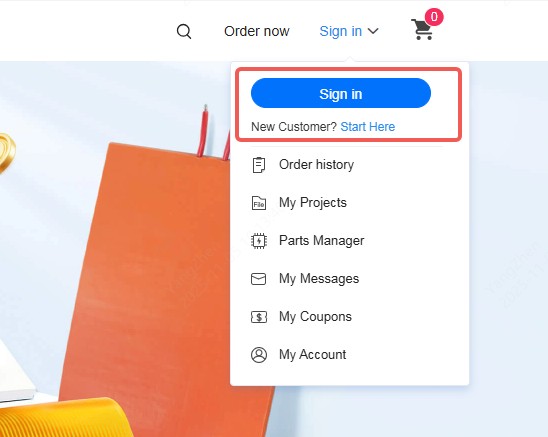
Register or log in to your JLCPCB account to get started.
-
Enter Basic Order Information
Enter basic order information such as material type, dimensions, and quantity on the homepage, then click Instant Quote to go to the order page.
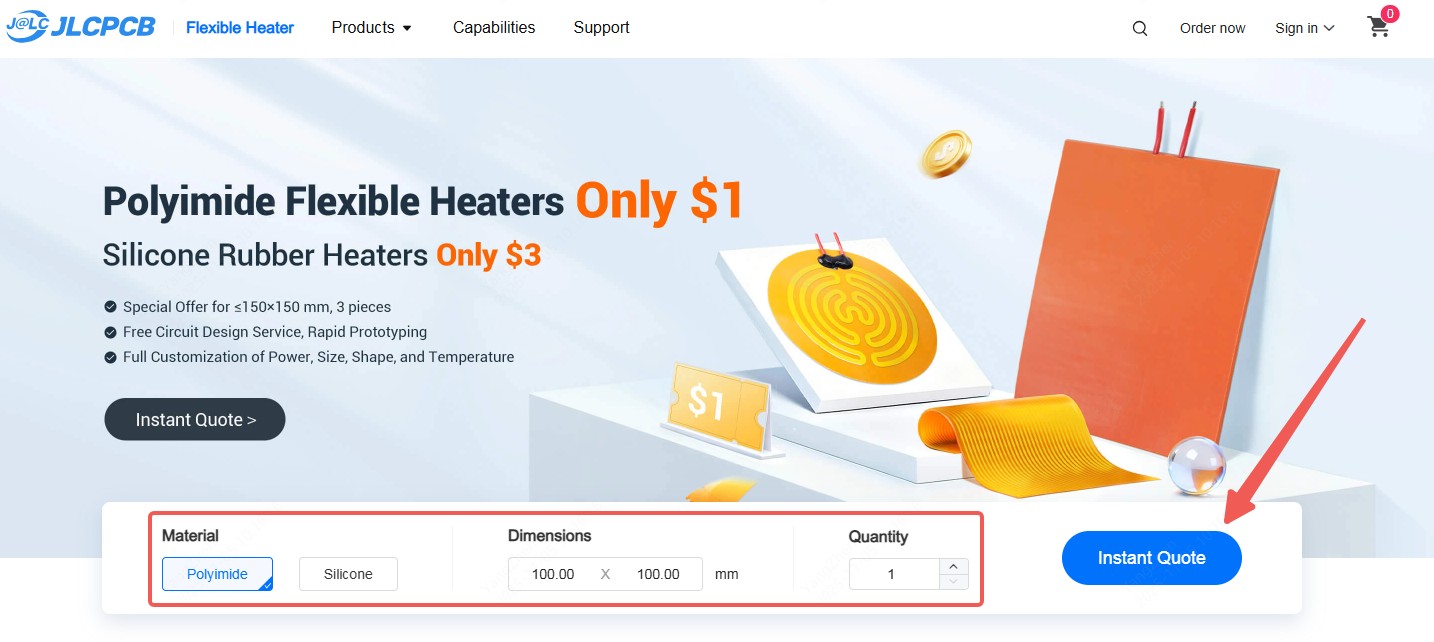
You can also click the direct order page link to place your order.
-
Get an Instant Quote
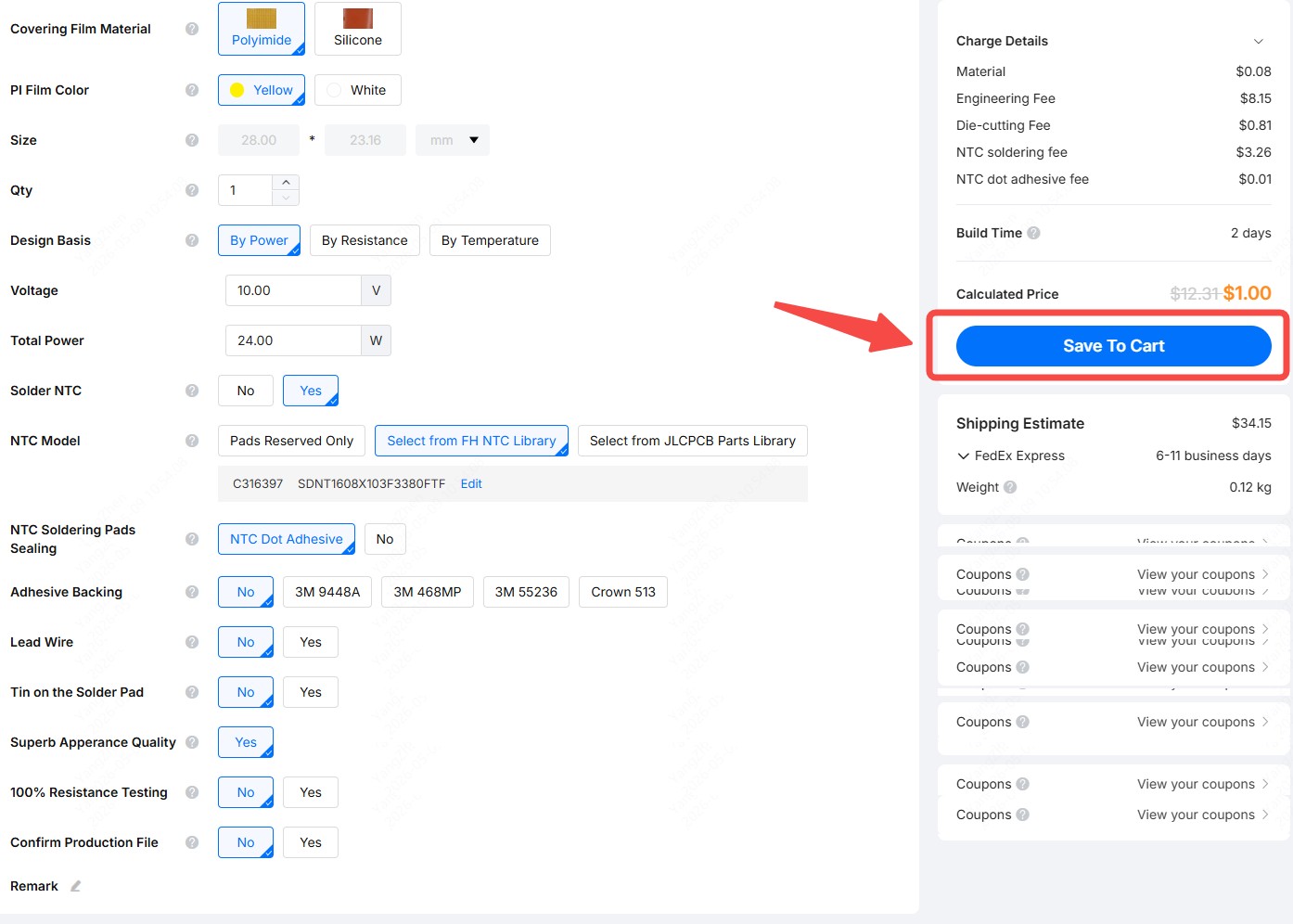
Get an instant quote by selecting the required parameters. JLCPCB Flexible Heater prototype orders start from just $1!
-
Upload Manufacturing Files
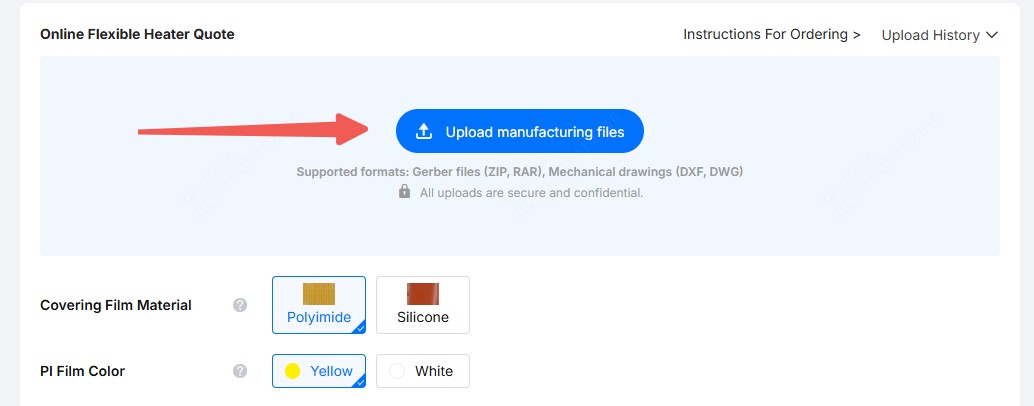
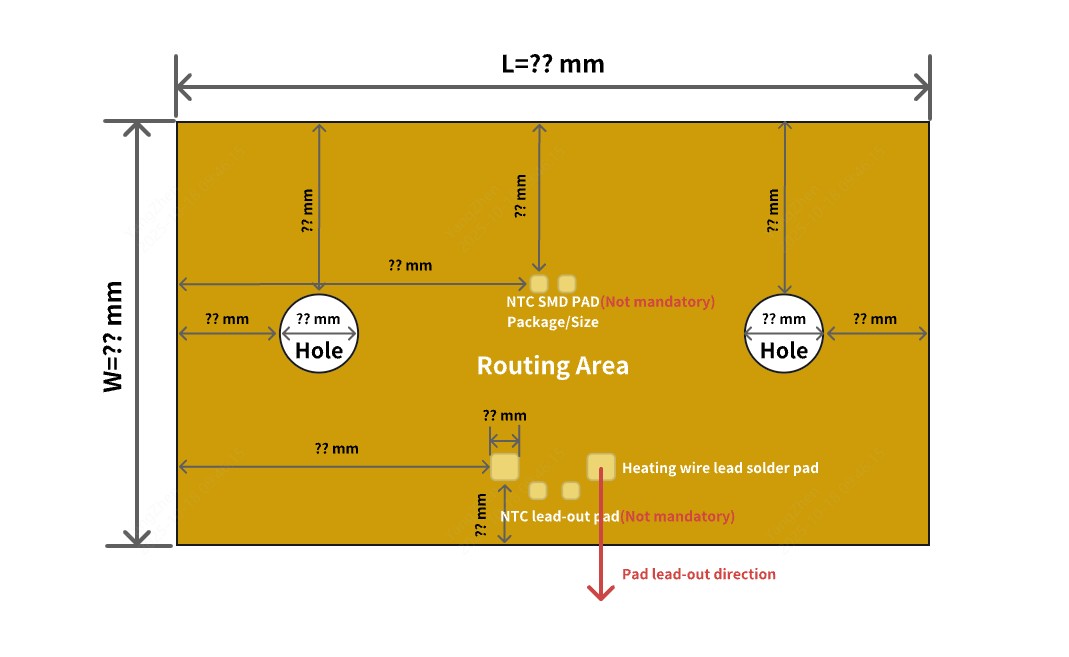
Click Upload manufacturing files and upload your flexible heater design files. For regular shapes, you can simply provide the desired shape and dimensions — our engineers will review and process your order after you submit it.
Note
You are not required to complete the routing — JLCPCB Flexible Heater offers free routing service.
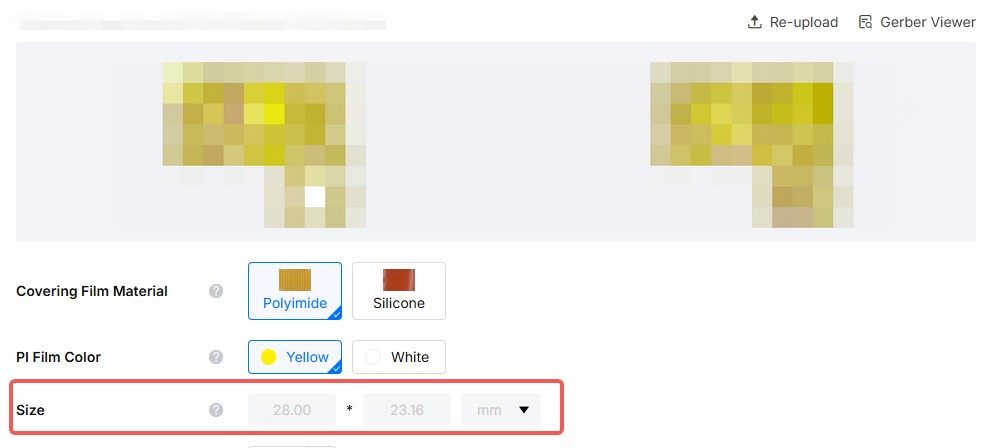
The system will automatically detect the dimensions for Gerber format files and lock the size. For other file types, you will need to manually adjust the size.
-
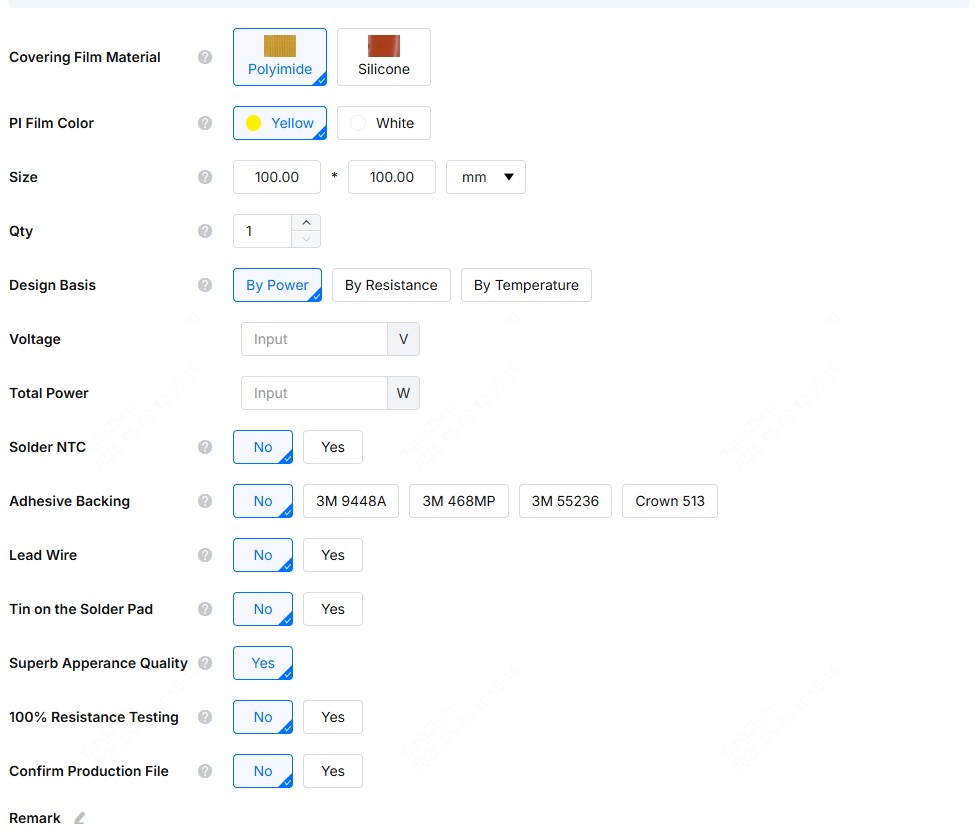
Select Heater Parameters
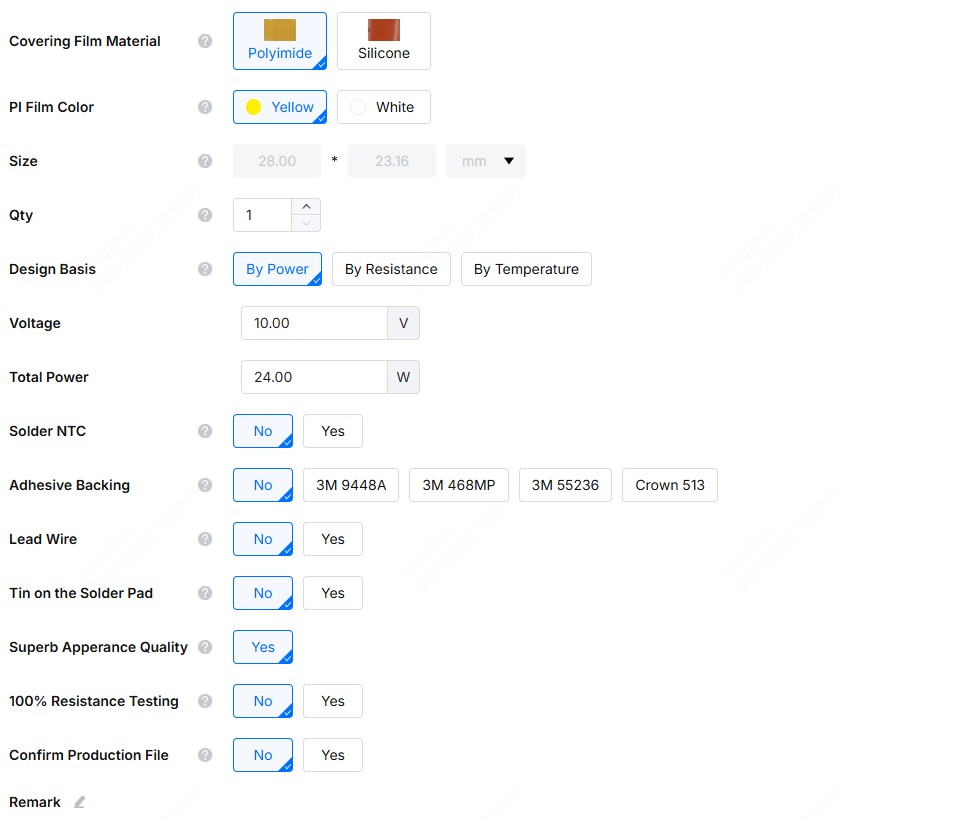
Select your flexible heater parameters as needed.
Please Note
PI heaters do not have a thermostat switch option by default. If required, please specify it in the order remarks.
If an NTC or thermostat switch option is selected, the corresponding position must be clearly marked in the drawing.
-
Save to Cart
After confirming all configurations, save the order to your cart.
-
Add Multiple Orders
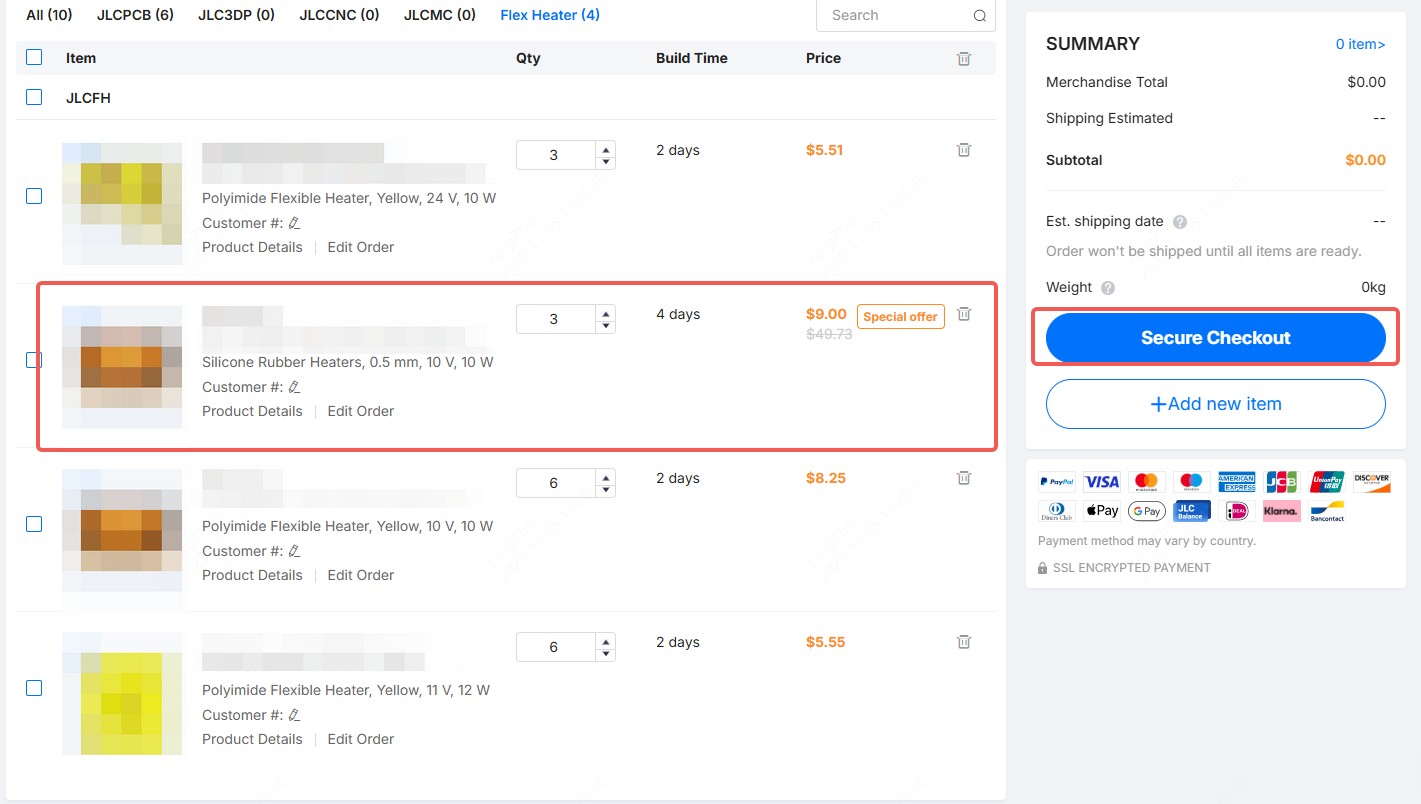
Click Add new item and repeat the steps above if you want to include multiple orders in the same batch.
Note
Only one order per batch can enjoy the special prototype price.
-
Review Product Details
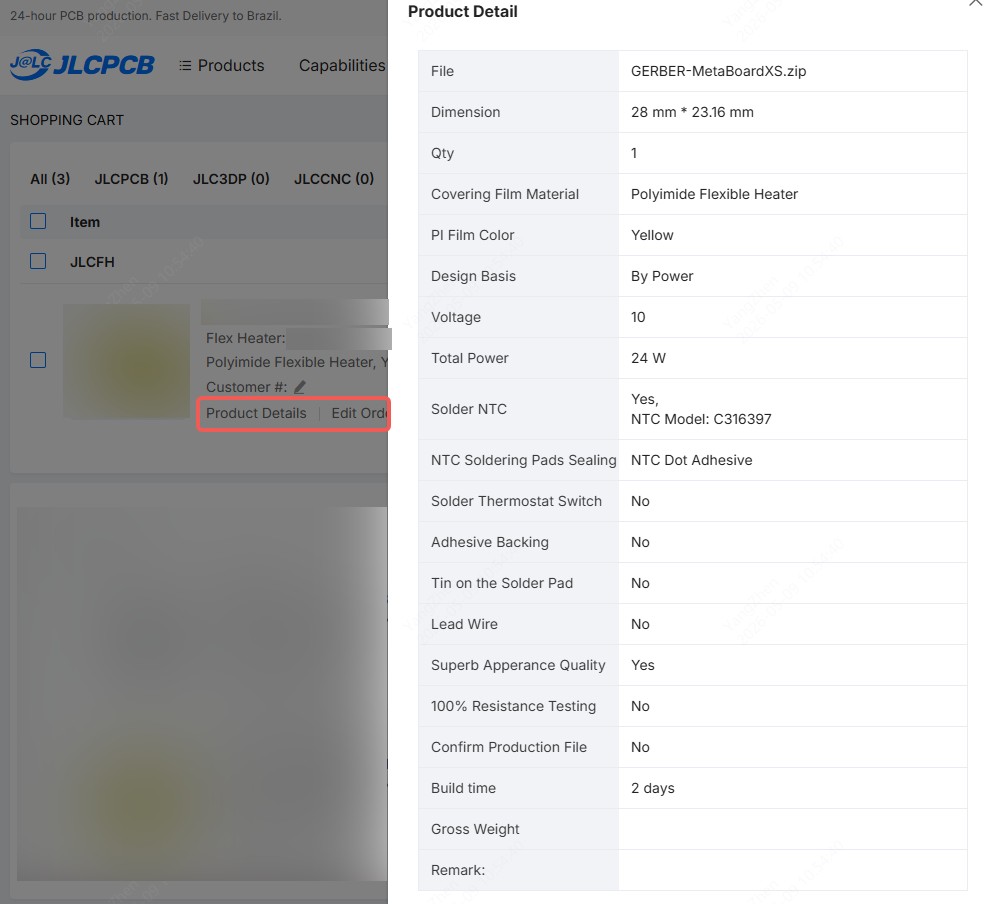
Click Product Details to view your order parameters. If you need to make changes, click Edit Order to return to the quote page.
-
Secure Checkout
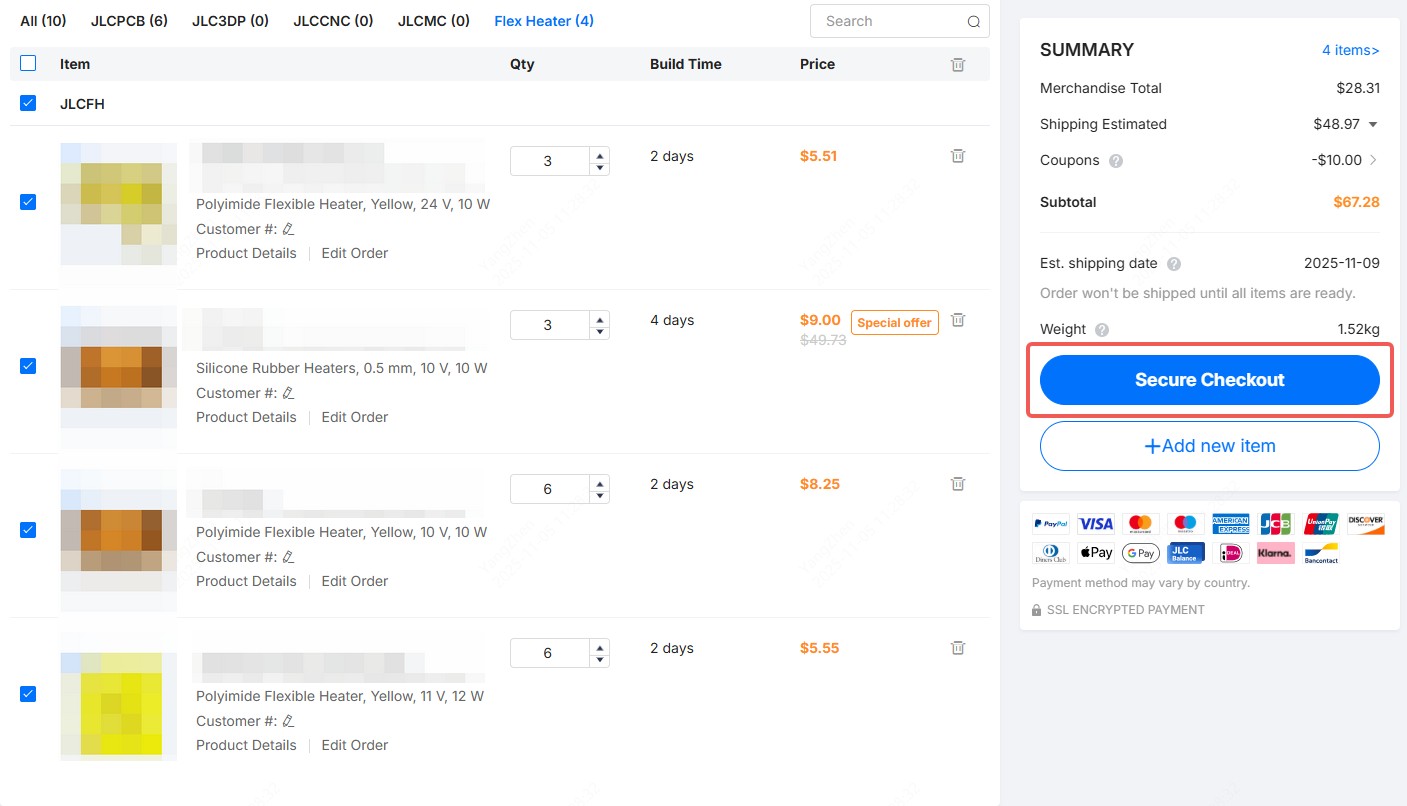
After confirming all details, check the order box and click Secure Checkout to proceed to payment.
Note
Flexible Heater orders cannot be combined with other JLCPCB product lines for batch shipping.
-
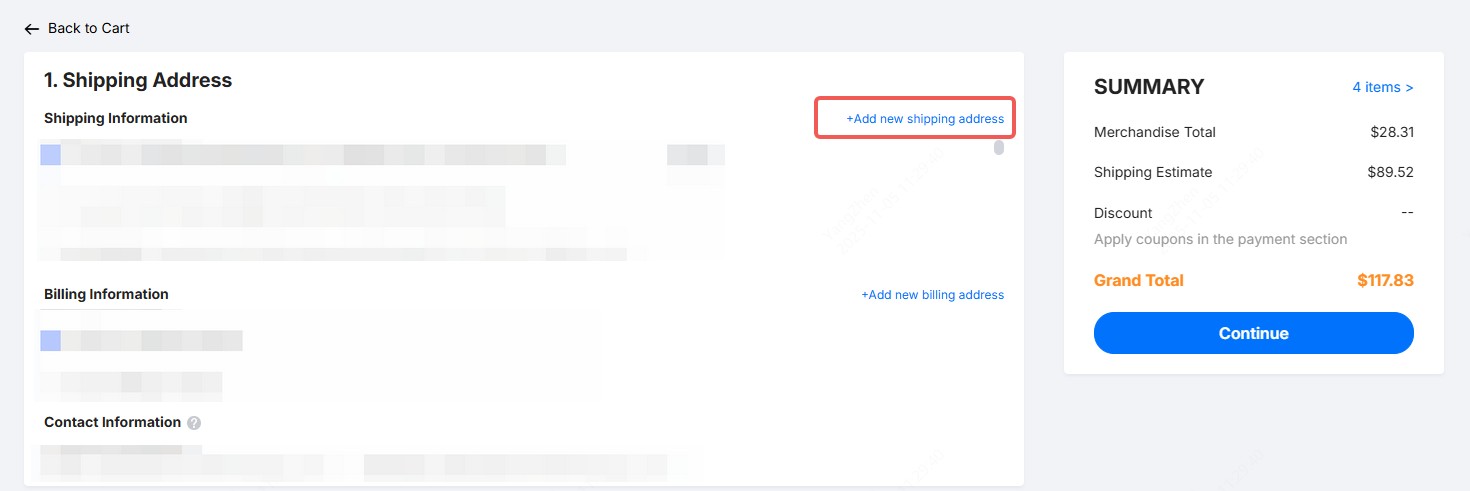
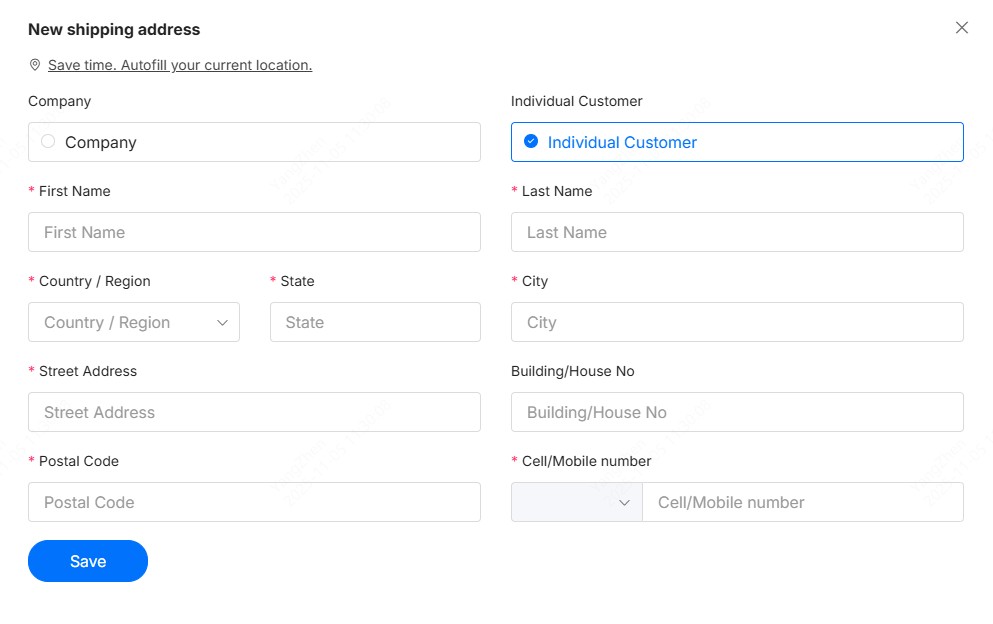
Add Shipping Address
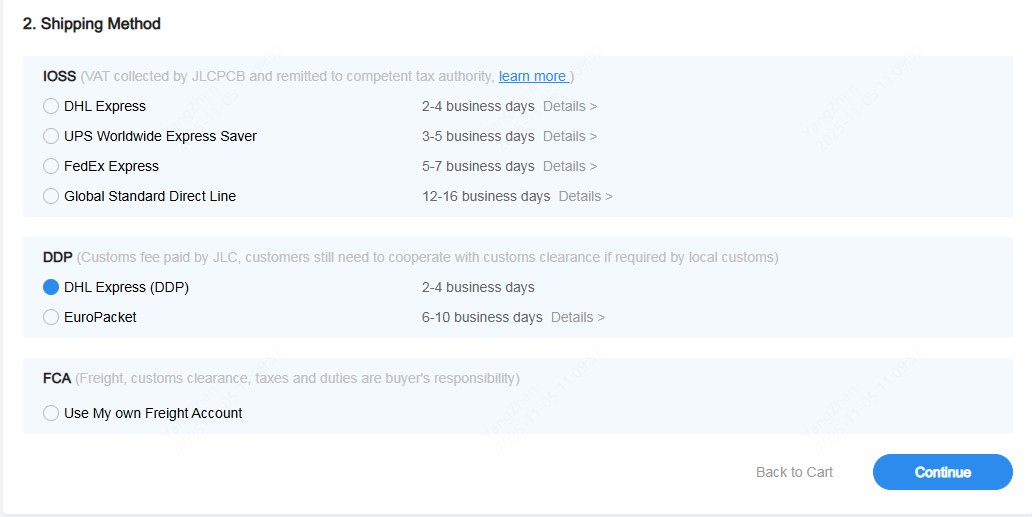
On the checkout page, you can add your shipping address. Shipping costs are determined by the destination country. Delivery options are displayed below the address section.
-
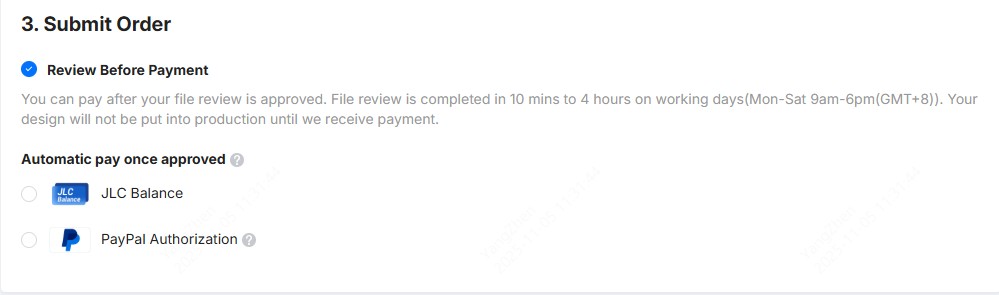
Review Before Payment
Flexible Heater orders follow the Review Before Payment process. You can pay after your files pass review. Production will begin only after payment is received.
You will receive an email notification once the review is complete. To avoid any delay, please complete payment promptly after approval. Orders that fail review will be automatically canceled.
-
Track Order Status
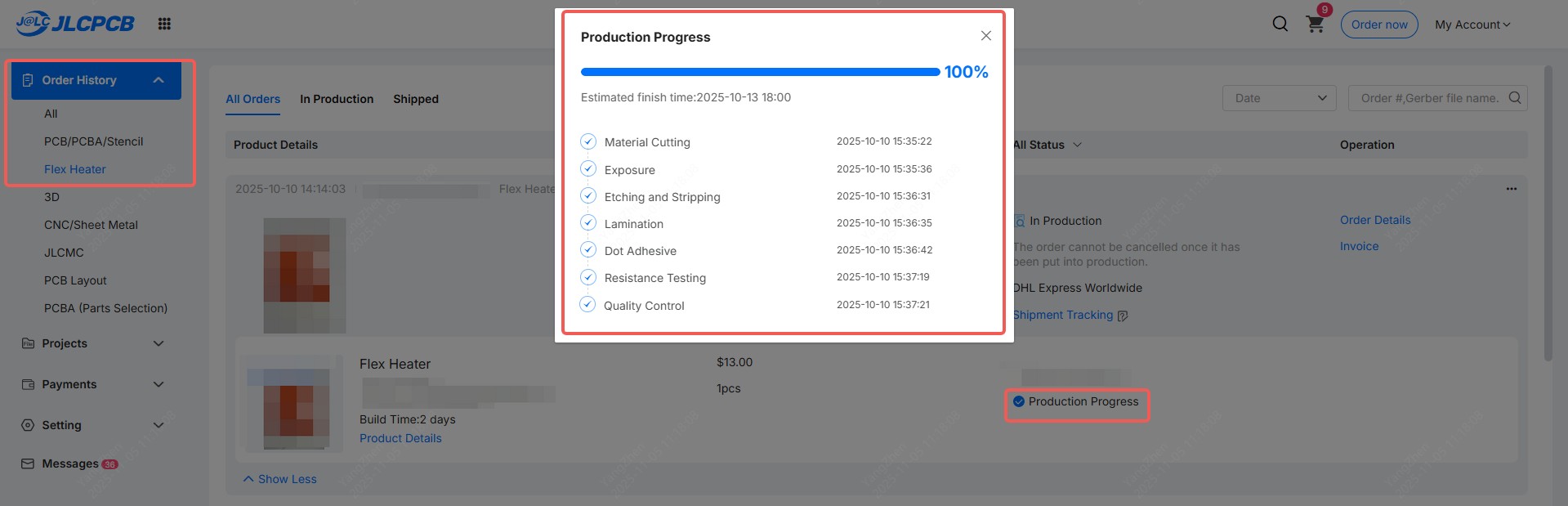
Once payment is confirmed, we will begin production immediately. You can check your order status anytime in the Order History menu.