How The BOM Tool Simplifies Your Work
Real-time data powers AI matching to eliminate shortages and streamline your procurement.
Smart Matching
Automatically match against over a database of 7M+ electronic parts.
Real-Time Updates
Access the latest component data to keep your BOMs always up to date.
Risk Mitigation
Get instant alerts on shortages, price changes, and EOL issues to prevent costly delays.
Team Collaboration
Share BOMs with colleagues to easily edit and review together.
From BOM to PCBA in 4 Steps
A seamless journey to turn your BOM into a production-ready PCBA order.
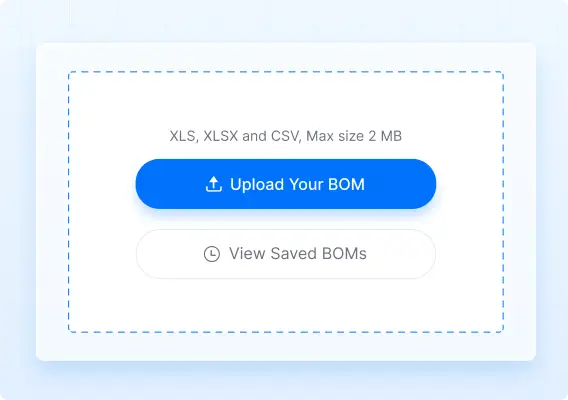
Upload
Upload your BOM file (CSV, XLS, XLSX).
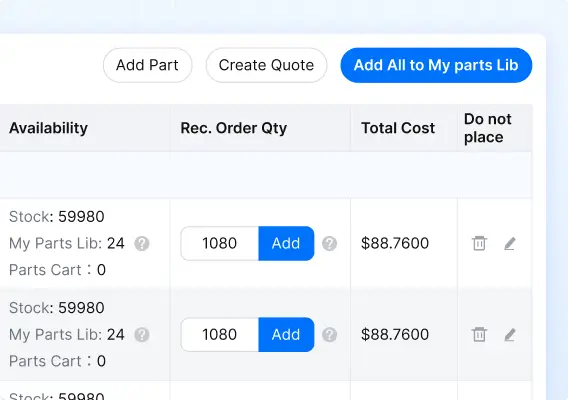
Review
Review automatically matched components from our database.
Procure
Purchase the entire BOM with one-click and lock in inventory.
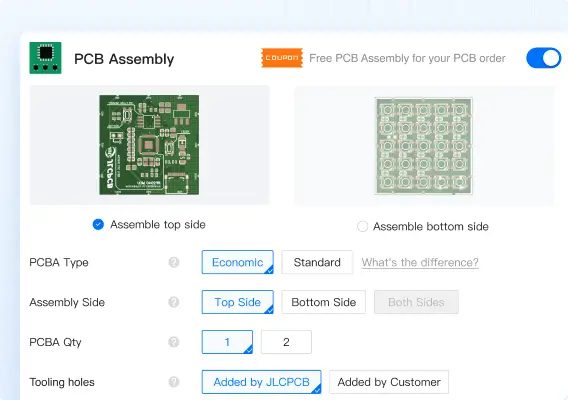
Order PCBA
Proceed to place your PCBA order at any time with confidence.
Frequently Asked Questions
- Q: Why is the Recommended Qty higher than the quantity in my BOM?
A: To assemble your PCBs, high-speed pick-and-place machines require a minimum length of component tape to load into the feeders. Additionally, a small attrition allowance is included to cover potential waste during production. Providing these extra parts ensures your assembly run finishes smoothly without delays or shortages.
- Q: How do I handle unmatched or out-of-stock parts?
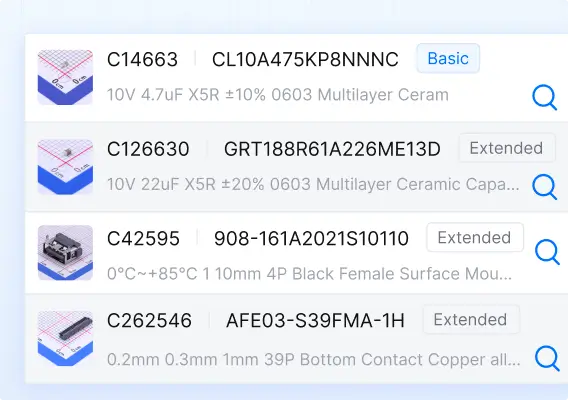
A: You can click the Search icon next to any line item to manually browse our database and find suitable substitutes.
- Q: How to manage my BOM inventory?
A: Once you purchase your BOM, your components are stored in your personal parts library. From there, you can track remaining stock levels and easily replenish items when needed.
- Q: How do I turn my matched BOM into a PCBA order?
A: We recommend purchasing and locking your BOM inventory in advance to prevent shortages. When you are ready to order PCBA later, our system will automatically pull the components from your personal library. Learn more >