
BQ28Z560DRZT
- Manufacturer
- MFR.Part #
- BQ28Z560DRZT
- JLCPCB Part #
- C3686354
- Package
- -
- Description
- -40℃~+85℃@(Ta) 1 1s - Supervisor and Reset ICs ROHS
- EasyEDA Libraries
- ECCN
- EAR99
- Datasheet
- Source
- JLCPCB
- Assembly Type
- SMT Assembly
- PCBA Type
- Economic and Standard
Note: The purchased components are stored in your JLCPCB parts library for future PCBA orders only, and cannot be shipped separately.
| Attributes | Value | |
|---|---|---|
| Category | Power Management (PMIC)/Supervisor and Reset ICs | |
| Manufacturer | Texas Instruments | |
| Package | - | |
| Operating Temperature | -40℃~+85℃@(TA) | |
| Number of Voltages Monitored | 1 | |
| Reset Timeout | 1s |
* Images are for reference only
BQ28Z560DRZT
Extended- Manufacturer
- MFR.Part #
- BQ28Z560DRZT
- JLCPCB Part #
- C3686354
- Package
- -
- Description
- -40℃~+85℃@(Ta) 1 1s - Supervisor and Reset ICs ROHS
- EasyEDA Libraries
- ECCN
- EAR99
- Datasheet
- Source
- JLCPCB
- Assembly Type
- SMT Assembly
- PCBA Type
- Economic and Standard
Note: The purchased components are stored in your JLCPCB parts library for future PCBA orders only, and cannot be shipped separately.
* Images are for reference only
BQ28Z560DRZT
Extended- Manufacturer
- MFR.Part #
- BQ28Z560DRZT
- JLCPCB Part #
- C3686354
- Package
- -
- Description
- -40℃~+85℃@(Ta) 1 1s - Supervisor and Reset ICs ROHS
- EasyEDA Libraries
- ECCN
- EAR99
- Datasheet
- Source
- JLCPCB
- Assembly Type
- SMT Assembly
- PCBA Type
- Economic and Standard
Note: The purchased components are stored in your JLCPCB parts library for future PCBA orders only, and cannot be shipped separately.
BQ28Z560DRZT Specifications
BQ28Z560DRZT technical specifications, attributes, and parameters.
| Attributes | Value | |
|---|---|---|
| Category | Power Management (PMIC)/Supervisor and Reset ICs | |
| Manufacturer | Texas Instruments | |
| Package | - | |
| Operating Temperature | -40℃~+85℃@(TA) | |
| Number of Voltages Monitored | 1 | |
| Reset Timeout | 1s |
PCB Assembly Tips
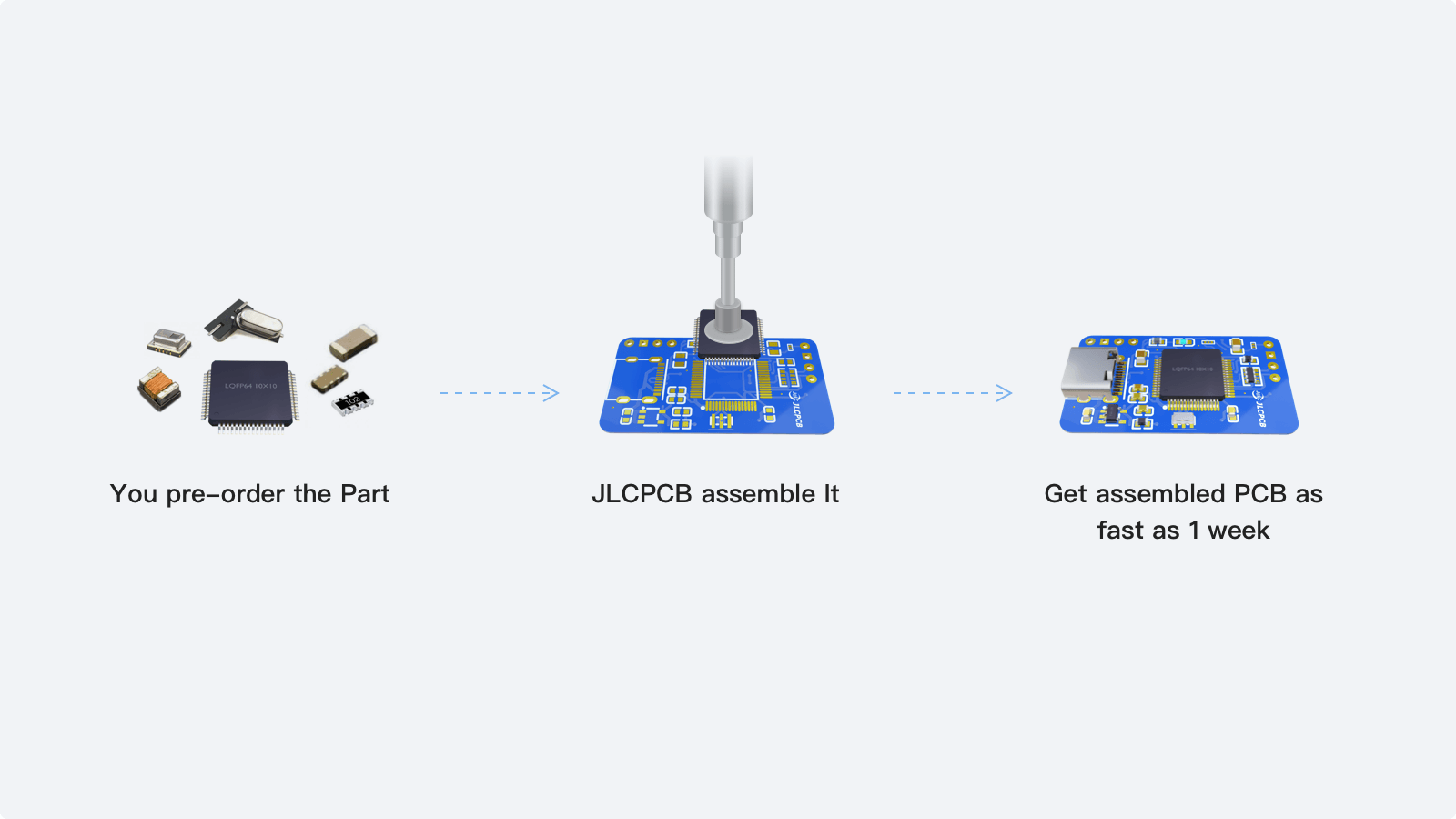
From components to fully assembled PCBs. JLCPCB supports PCB assembly for the BQ28Z560DRZT. Sign up to receive and start your assembly today →
- 1
Step 1 - Pre-order the parts you need from JLCPCB.
- 2
Step 2 - Place a PCBA order to have those parts assembled onto your boards.
- 3
Step 3 - JLCPCB manufactures and assembles your boards in as fast as 3 days.
BQ28Z560DRZT Documents
BQ28Z560DRZT datasheets or manufacturer documentation.
Datasheet: BQ28Z560DRZT Datasheet (PDF)
BQ28Z560DRZT Schematic Symbol & PCB Footprint
The BQ28Z560DRZT schematic symbol and PCB footprint are available in the EasyEDA PCB design tool.