
Note: The purchased components are stored in your JLCPCB parts library for future PCBA orders only, and cannot be shipped separately.
| Attributes | Value | |
|---|---|---|
| Category | Switches/Pushbutton Switches | |
| Manufacturer | C&K | |
| Package | Plugin |
* Images are for reference only
SET BU AU OA
Extended- Manufacturer
- MFR.Part #
- SET BU AU OA
- JLCPCB Part #
- C2801207
- Package
- Plugin
- Description
- 插件 Pushbutton Switches ROHS
- EasyEDA Libraries
- ECCN
- EAR99
- Datasheet
- Source
- JLCPCB
- Assembly Type
- SMT Assembly
- PCBA Type
- Economic and Standard
- MSL Level
- MSL 1
Note: The purchased components are stored in your JLCPCB parts library for future PCBA orders only, and cannot be shipped separately.
* Images are for reference only
- Manufacturer
- MFR.Part #
- SET BU AU OA
- JLCPCB Part #
- C2801207
- Package
- Plugin
- Description
- 插件 Pushbutton Switches ROHS
- EasyEDA Libraries
- ECCN
- EAR99
- Datasheet
- Source
- JLCPCB
- Assembly Type
- SMT Assembly
- PCBA Type
- Economic and Standard
- MSL Level
- MSL 1
Note: The purchased components are stored in your JLCPCB parts library for future PCBA orders only, and cannot be shipped separately.
SET BU AU OA Specifications
SET BU AU OA technical specifications, attributes, and parameters.
| Attributes | Value | |
|---|---|---|
| Category | Switches/Pushbutton Switches | |
| Manufacturer | C&K | |
| Package | Plugin |
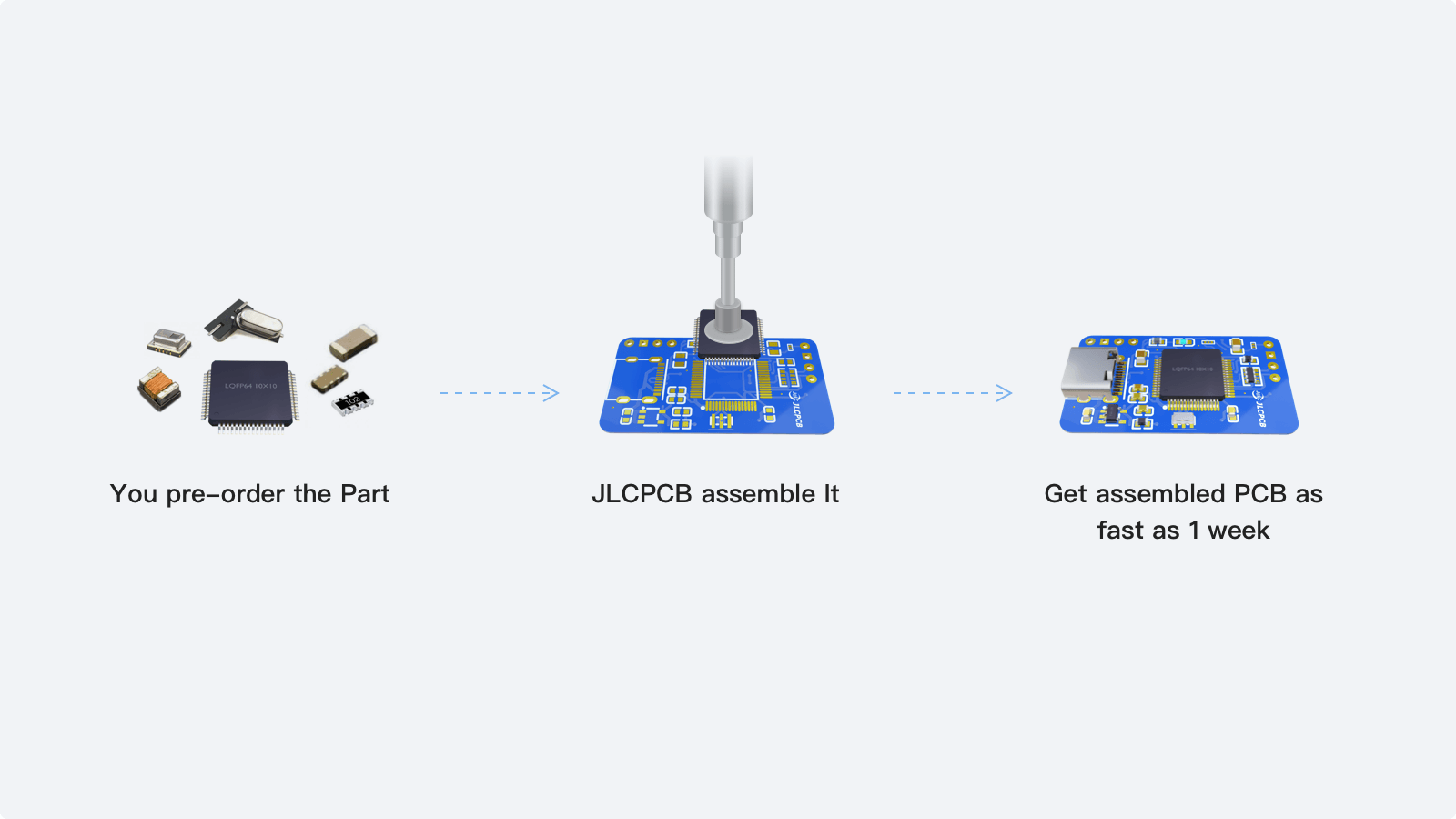
PCB Assembly Tips
From components to fully assembled PCBs. JLCPCB supports PCB assembly for the SET BU AU OA. Sign up to receive and start your assembly today →
- 1
Step 1 - Pre-order the parts you need from JLCPCB.
- 2
Step 2 - Place a PCBA order to have those parts assembled onto your boards.
- 3
Step 3 - JLCPCB manufactures and assembles your boards in as fast as 3 days.
SET BU AU OA Documents
SET BU AU OA datasheets or manufacturer documentation.
Datasheet: SET BU AU OA Datasheet (PDF)
SET BU AU OA Schematic Symbol & PCB Footprint
The SET BU AU OA schematic symbol and PCB footprint are available in the EasyEDA PCB design tool.